
How to Automate Your Home with Shopee Smart Devices (Easy Guide)
Affiliate Disclosure: This post contains affiliate links. If you buy through our links, we may earn a small commission at no extra cost to you.
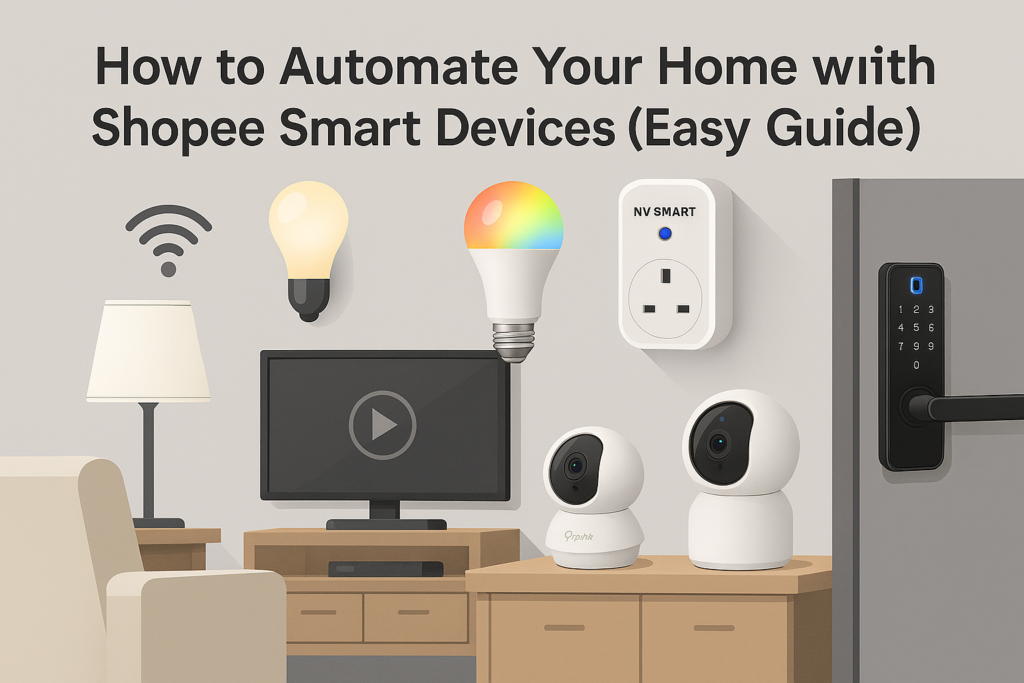
What You Can Automate (Beginner‑Friendly)
- Lighting: Scenes, schedules, motion‑based control.
- Appliances: Auto‑off kettles, fans, irons via smart plugs.
- Security: Cameras, smart locks, notifications.
- Routines: Morning/Evening presets, Away mode.
Recommended Devices (Shopee Picks)
- Smart Plugs: NV SMART Tuya 13A (~RM59) — link; YMY Smart Plug w/ energy monitoring (~RM24–RM32) — link.
- Smart Bulbs: MOGI Wi‑Fi RGB+CCT (~RM22–RM25) — link.
- Wi‑Fi Cameras: TP‑Link Tapo C110/C210 (~RM99–RM129) — browse; V380 Pro Budget PTZ (~RM80–RM125) — link.
- Smart Locks (Budget): Tropernic Tuya/TTLOCK sliding door lock (~RM95) — link; OUSHITE Tuya fingerprint door knob (~RM149.90) — shop.
- Light Strips: Smart Life WiFi RGB 5m/10m (~RM25–RM106) — link; Prolink RGBIC IP44 (from ~RM34) — link; TP‑Link Tapo L920‑5 (~RM134) — link.
Basic Automation Flows
Arrival Routine
Turn on hallway light and living room lamp when you arrive (geo‑fencing or manual scene).
Bedtime Routine
Turn off all lights and fans at 11:00 PM; lock the door if using a smart lock.
Security Routine
Enable camera motion alerts between 11:00 PM–6:00 AM; porch light on at dusk.
Energy‑Saving Routine
Turn off plugs for TV, desk lamp, or router during work hours; auto‑on at 6:00 PM.
Step‑by‑Step: Create a Scene in the App
- Open your smart home app (e.g., Tuya/Smart Life).
- Tap Scenes/Automation.
- Choose a Trigger (time, location, device status).
- Select Actions (turn on/off, change brightness, lock/unlock).
- Name the scene and test it.
- Pin the scene to your home screen for quick access.
Tips for a Smooth Automation Experience
- Keep devices on 2.4 GHz Wi‑Fi for stability.
- Name devices clearly (e.g., “Porch Light”, “Bedroom Fan”).
- Use groups (e.g., “Living Room Lights”).
- Enable two‑factor authentication in your app.
- Review automation logs to troubleshoot.
Advanced Ideas (Optional)
- Voice Assistant Routines: “Hey Google, I’m home” turns on lights and unlocks door (use safely).
- Weather‑based triggers: Turn on dehumidifier when humidity is high.
- Sensors: Motion/contact sensors for hands‑free control.
Internal links: Smart Home Setup for Beginners · Wi‑Fi Cameras vs CCTV